QShare

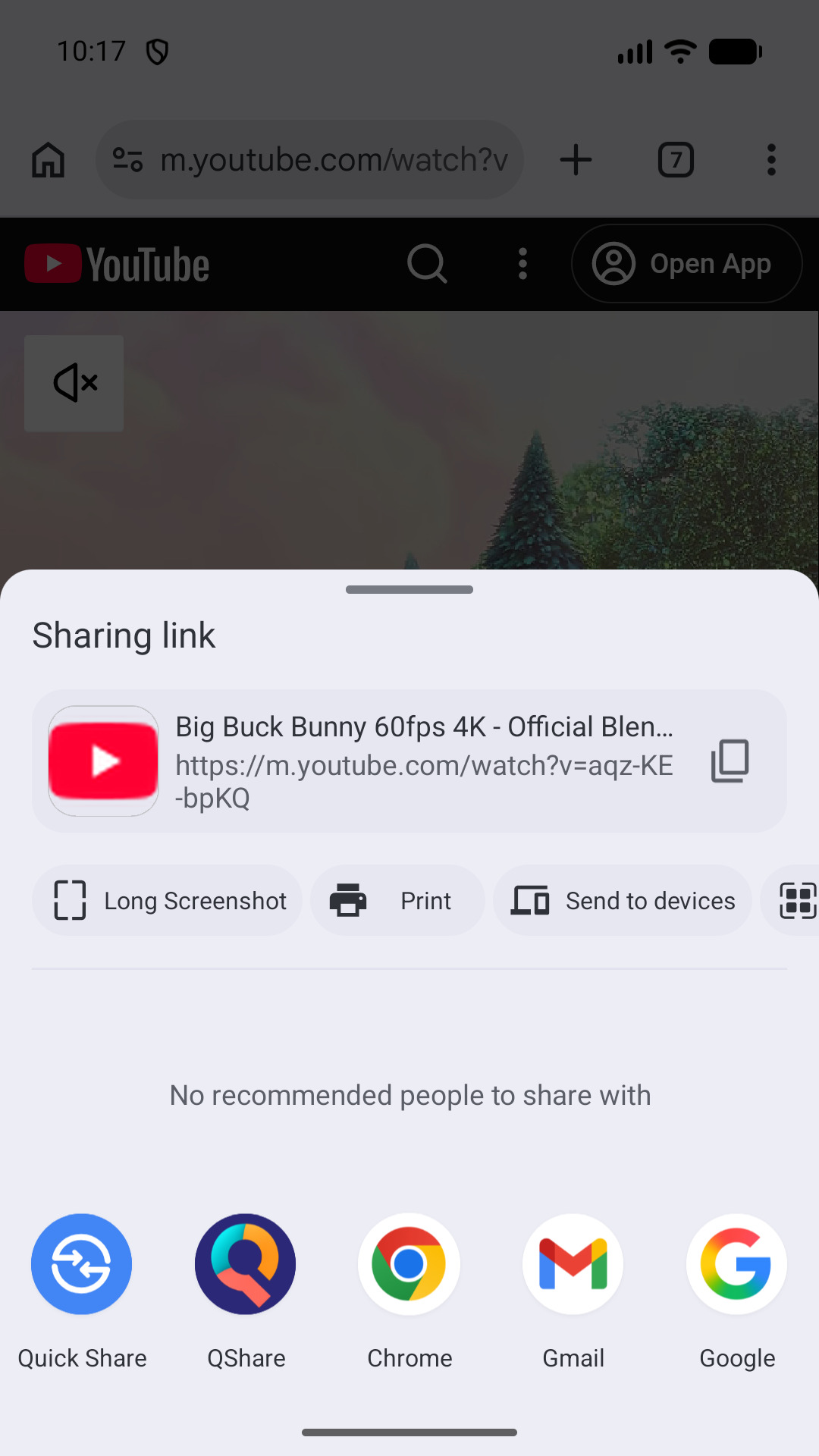
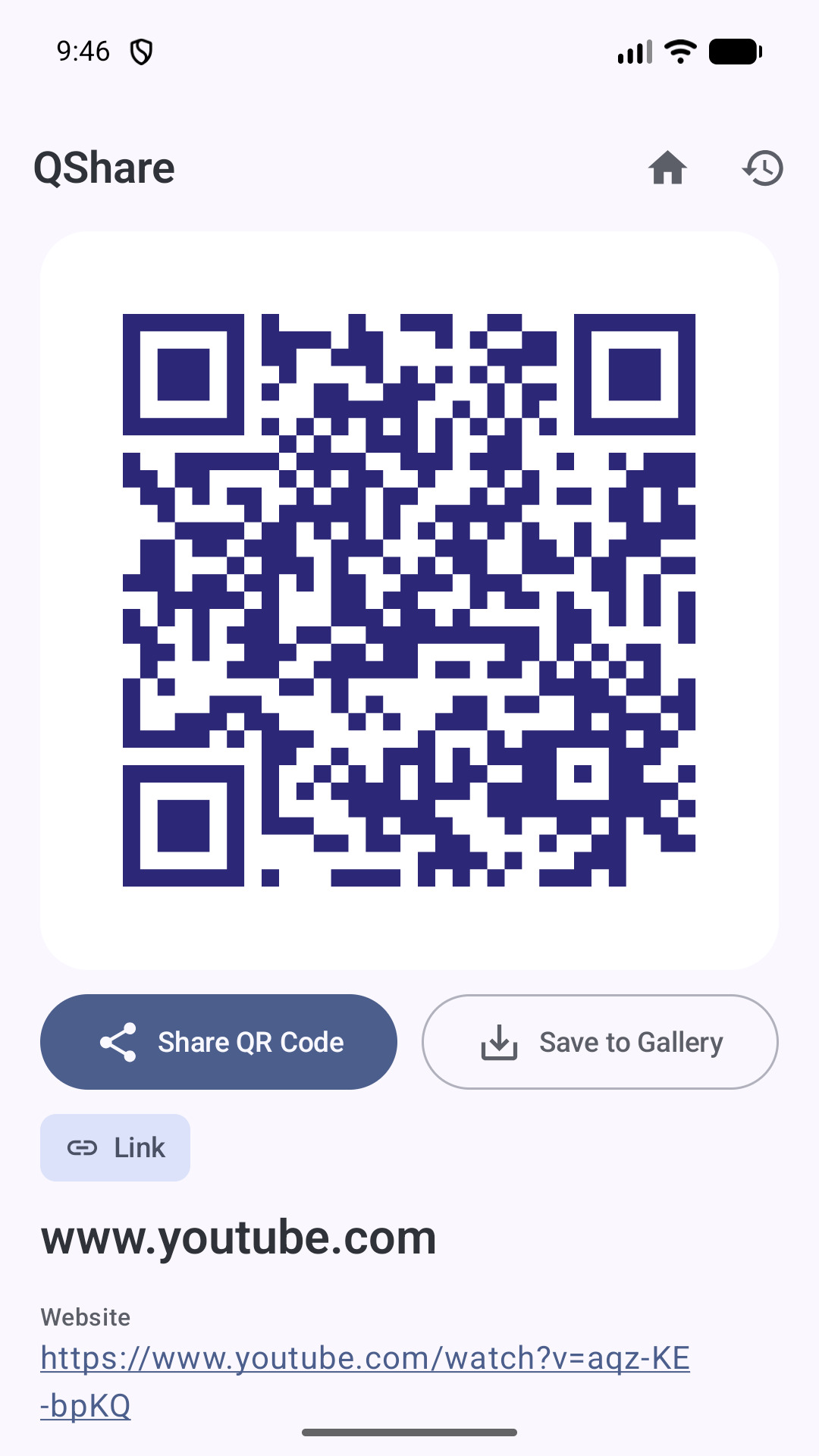
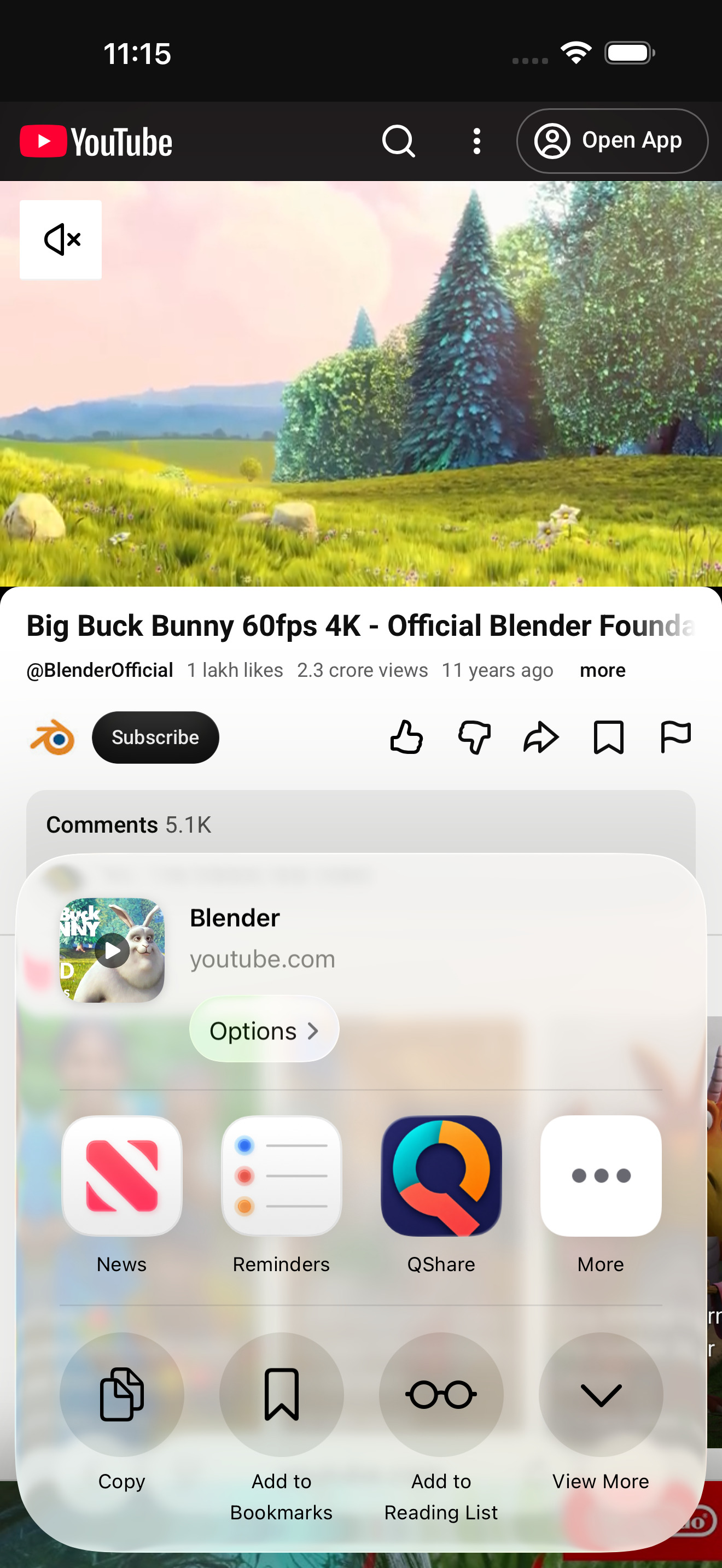
Share a link or some text from any app. It’s a QR code the moment it reaches QShare. Hold up your phone, and it’s theirs. No typing it out. No forwarding.
It reads codes too, and makes them from scratch, and keeps the ones you come back to. All of it on your phone.
Screenshots
Features
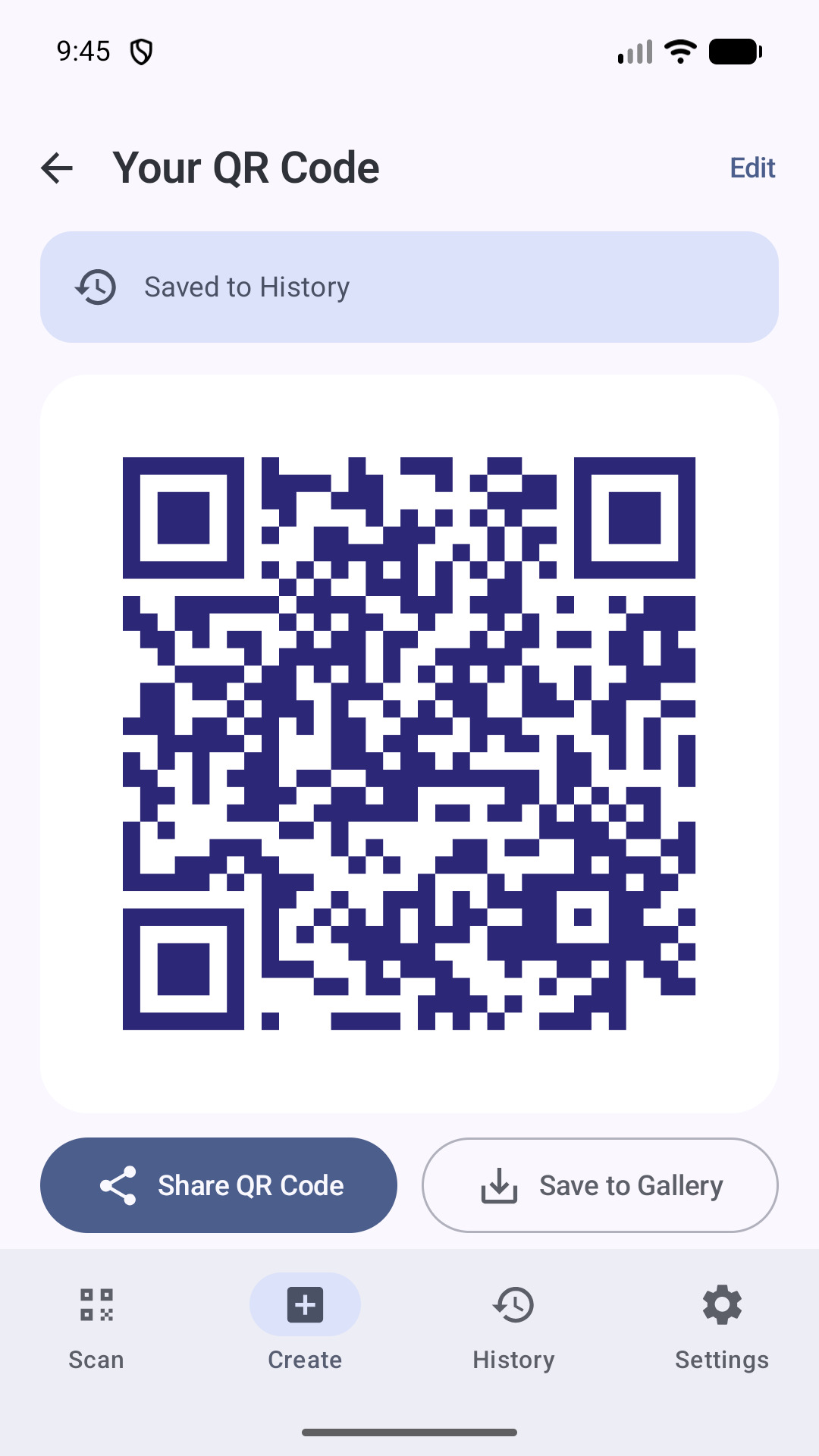
Share it. Instantly.
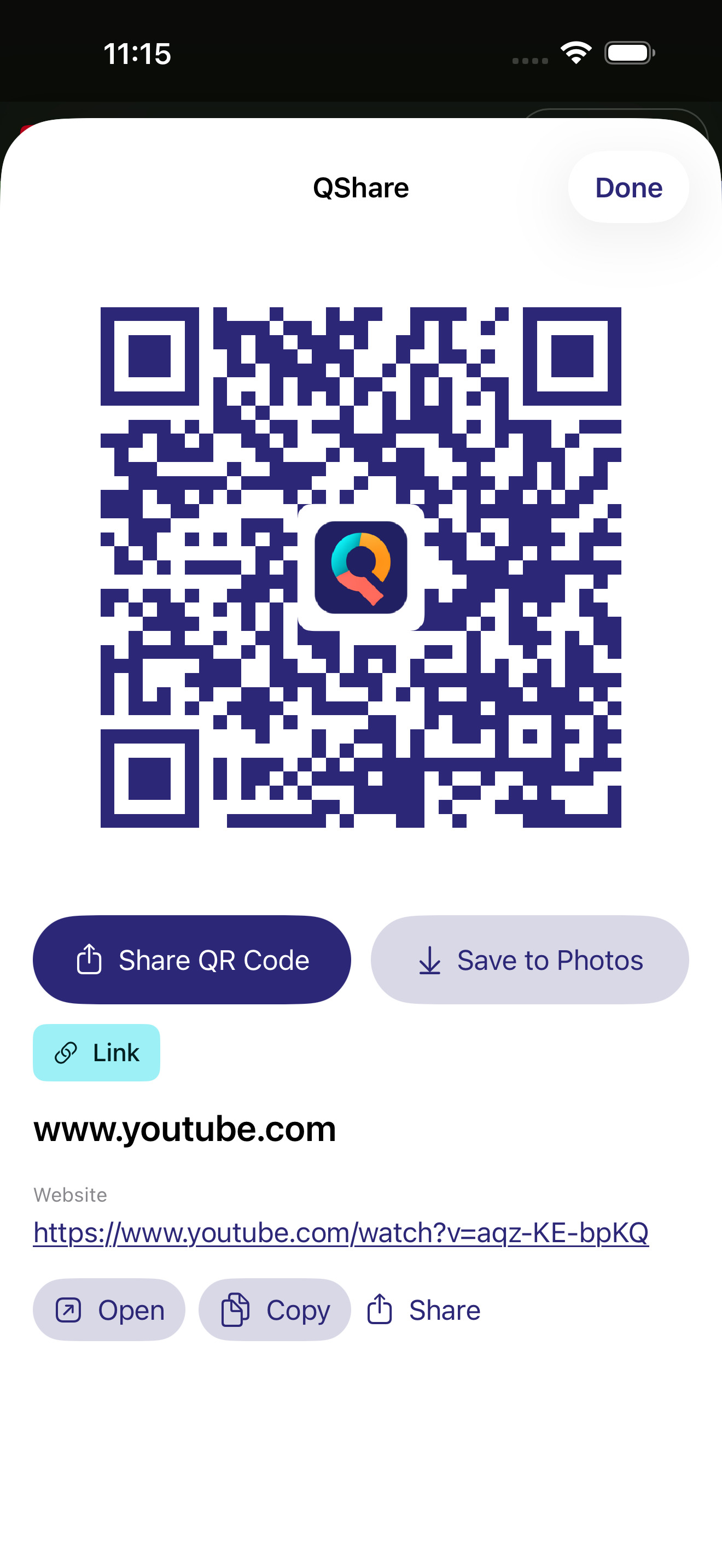
Send a link or a note from any app. It’s a code the moment it arrives, bright enough to read across a room.
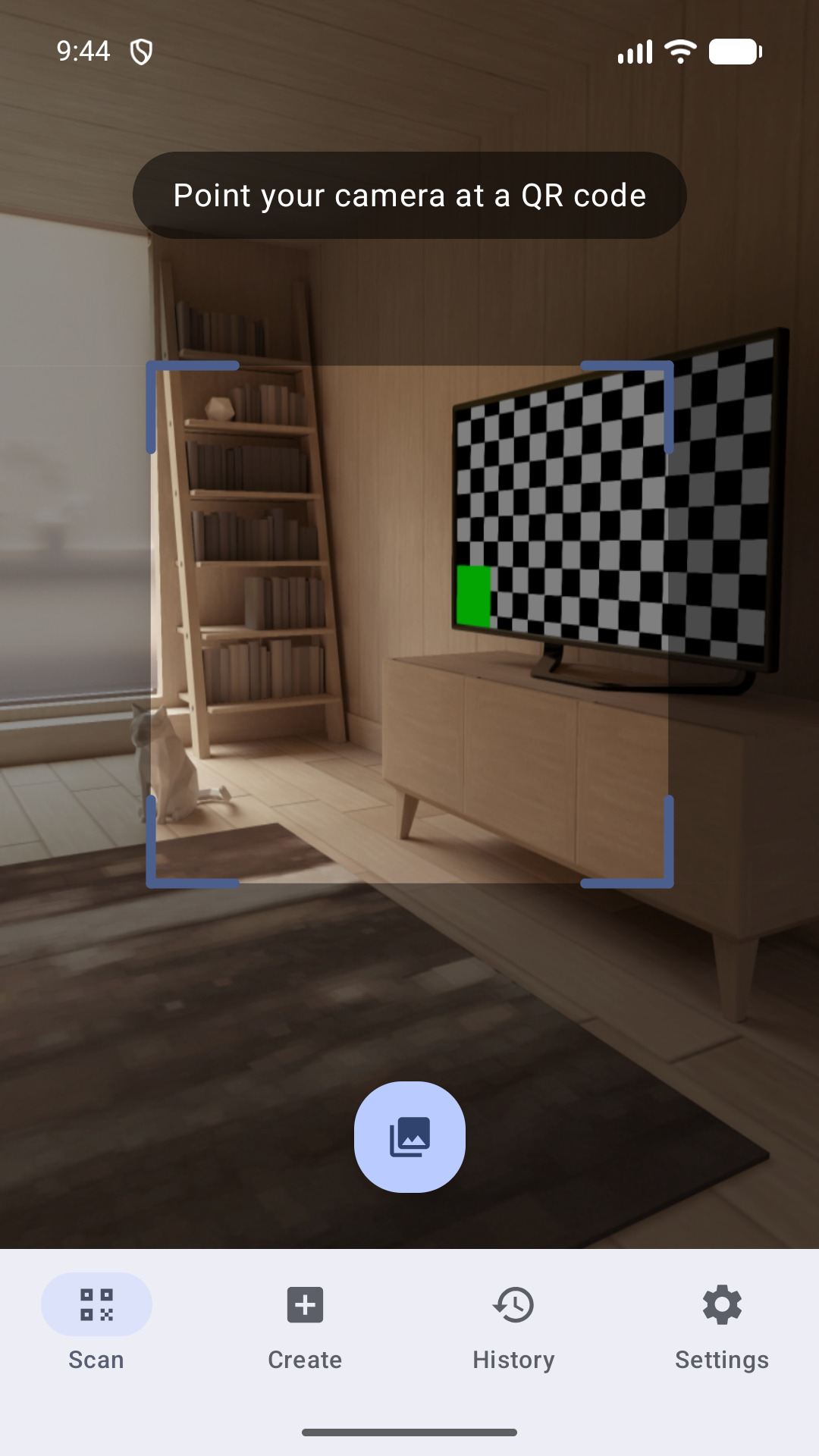
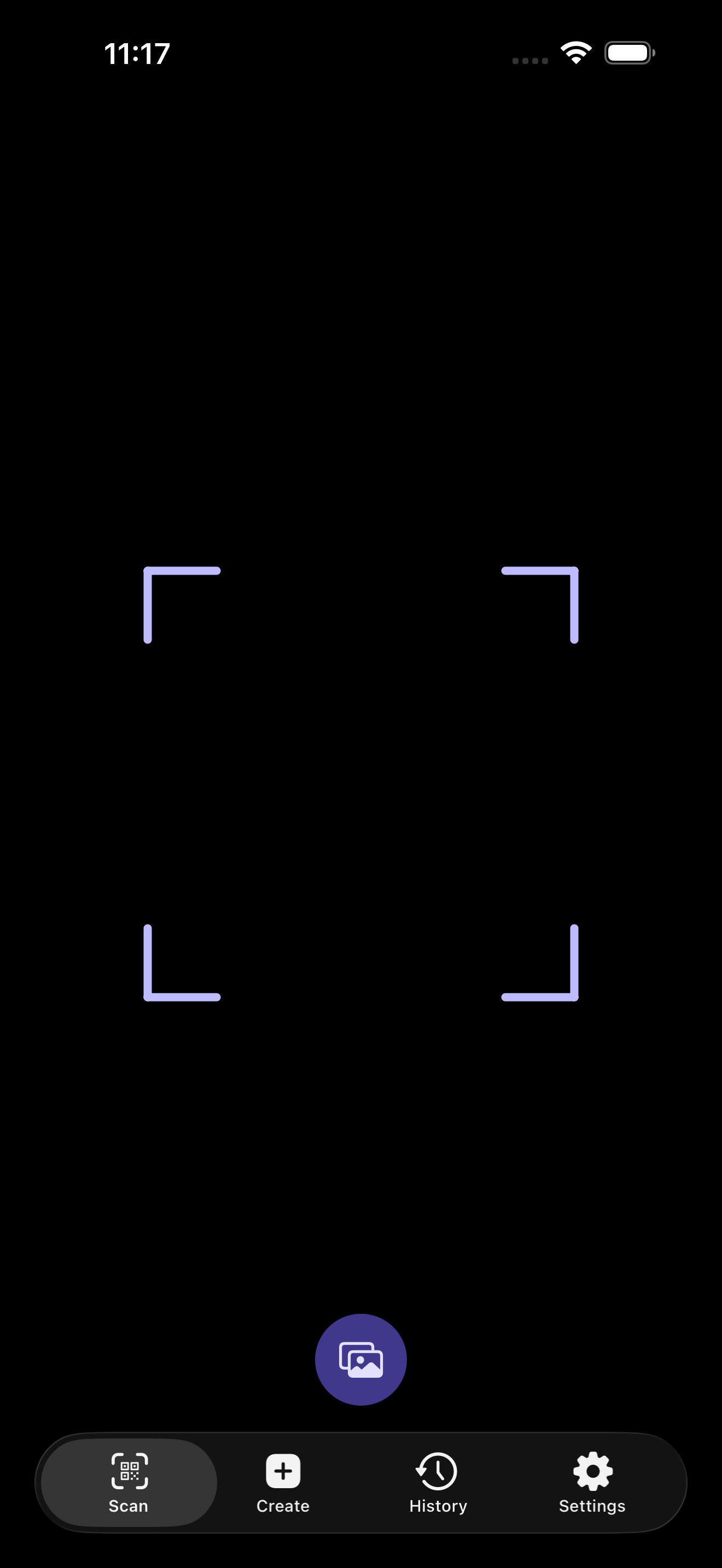
Point. Read. Done.
QShare shows you what a code holds, then waits. Nothing opens until you say so.
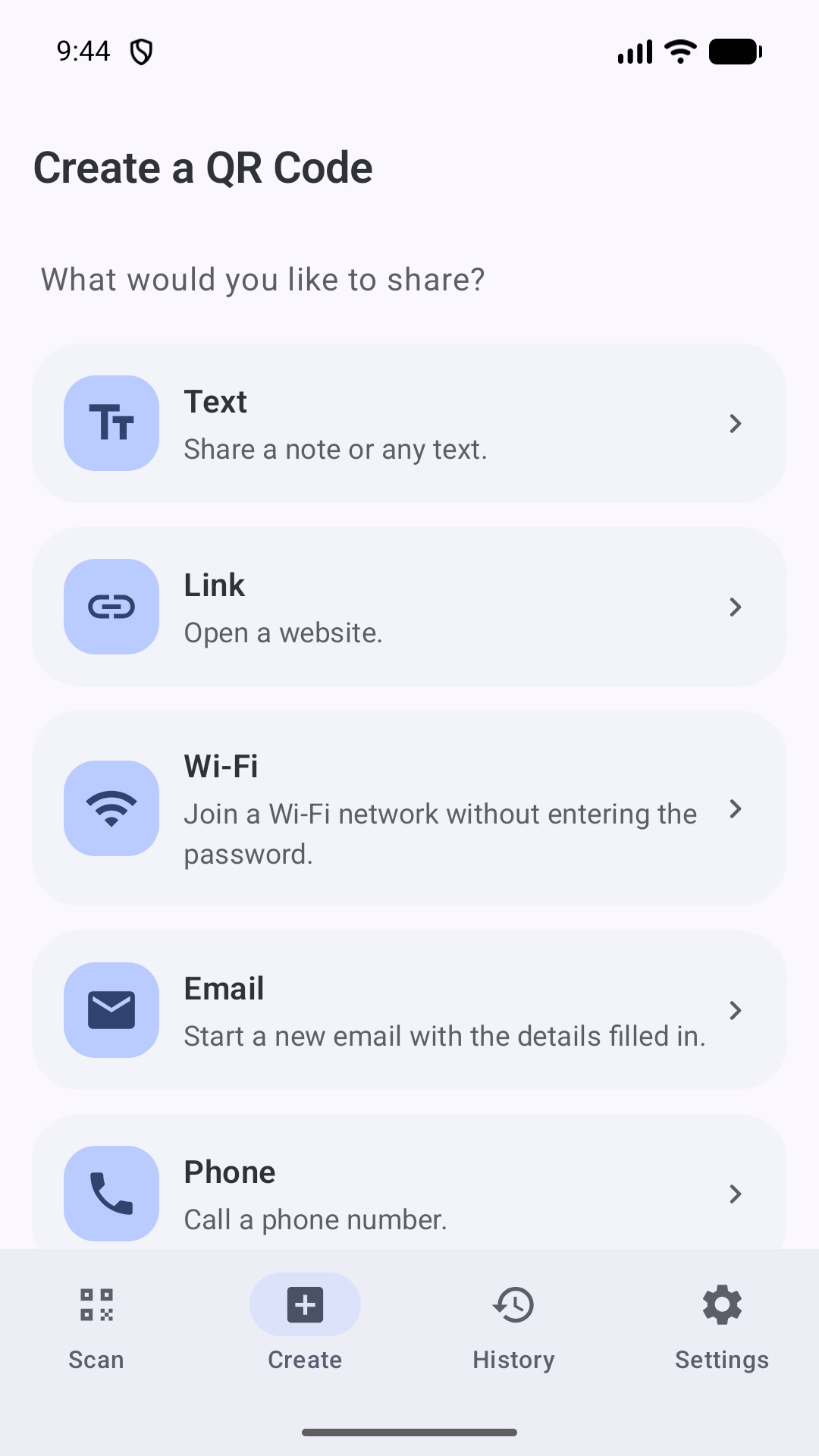
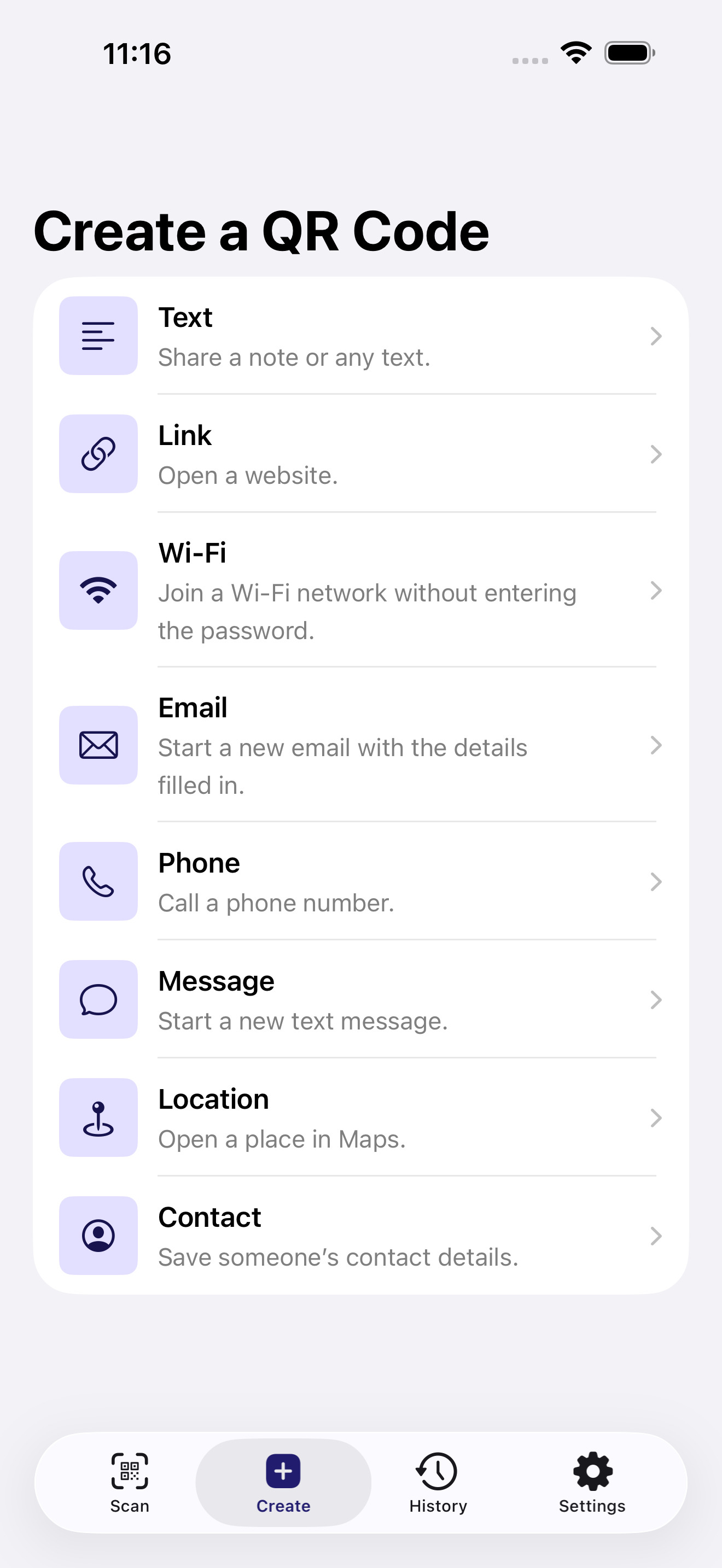
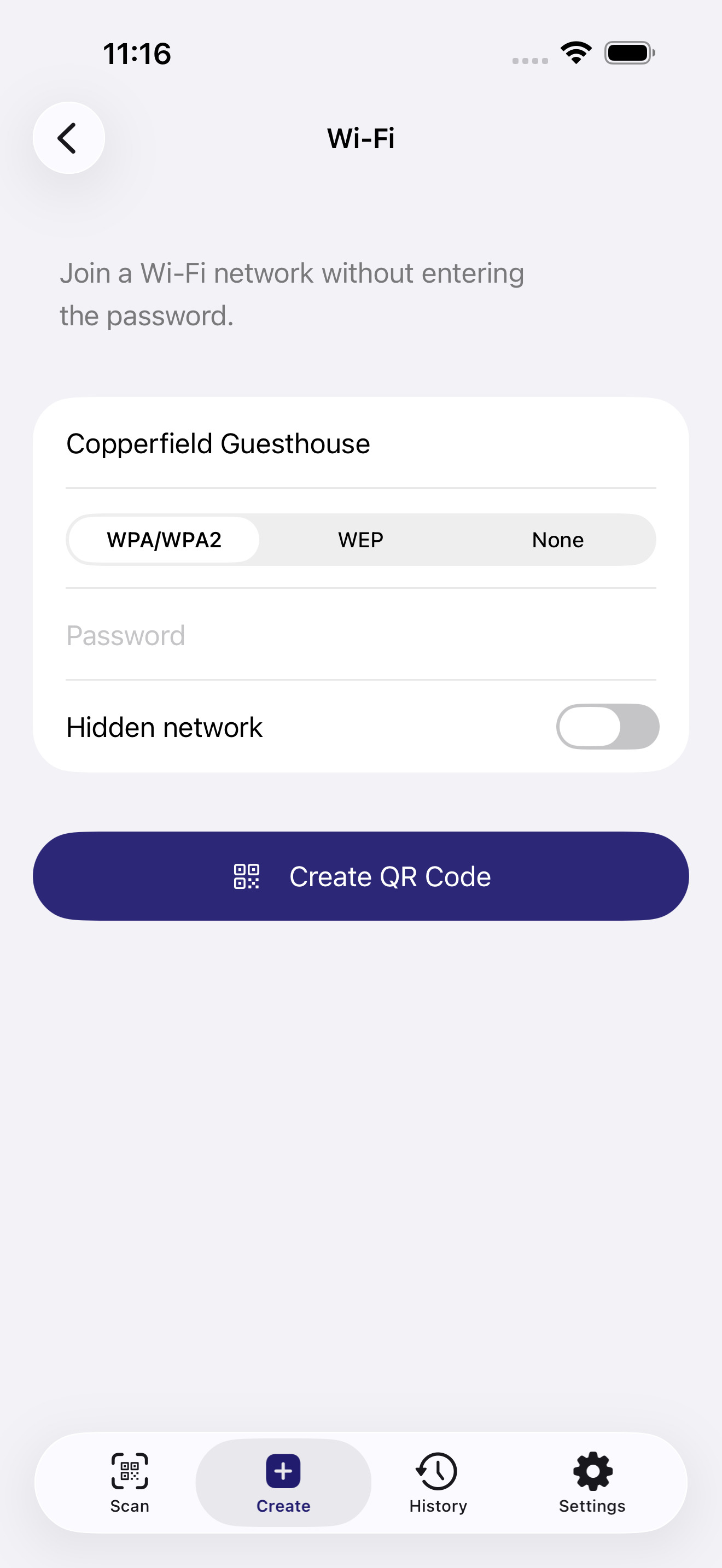
Make one from scratch.
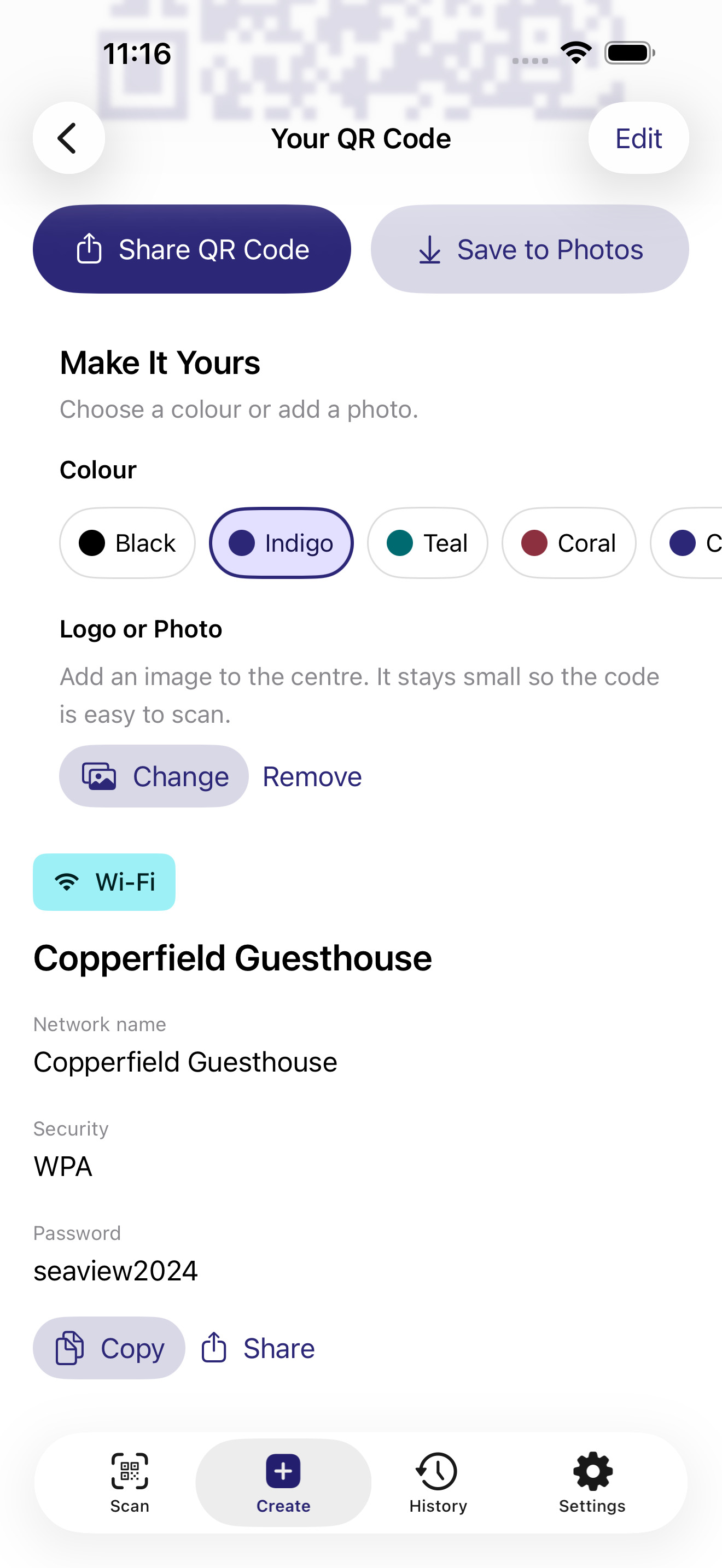
A link, a note, a Wi-Fi network, a contact, a place. Fill in the blanks. That’s a code.
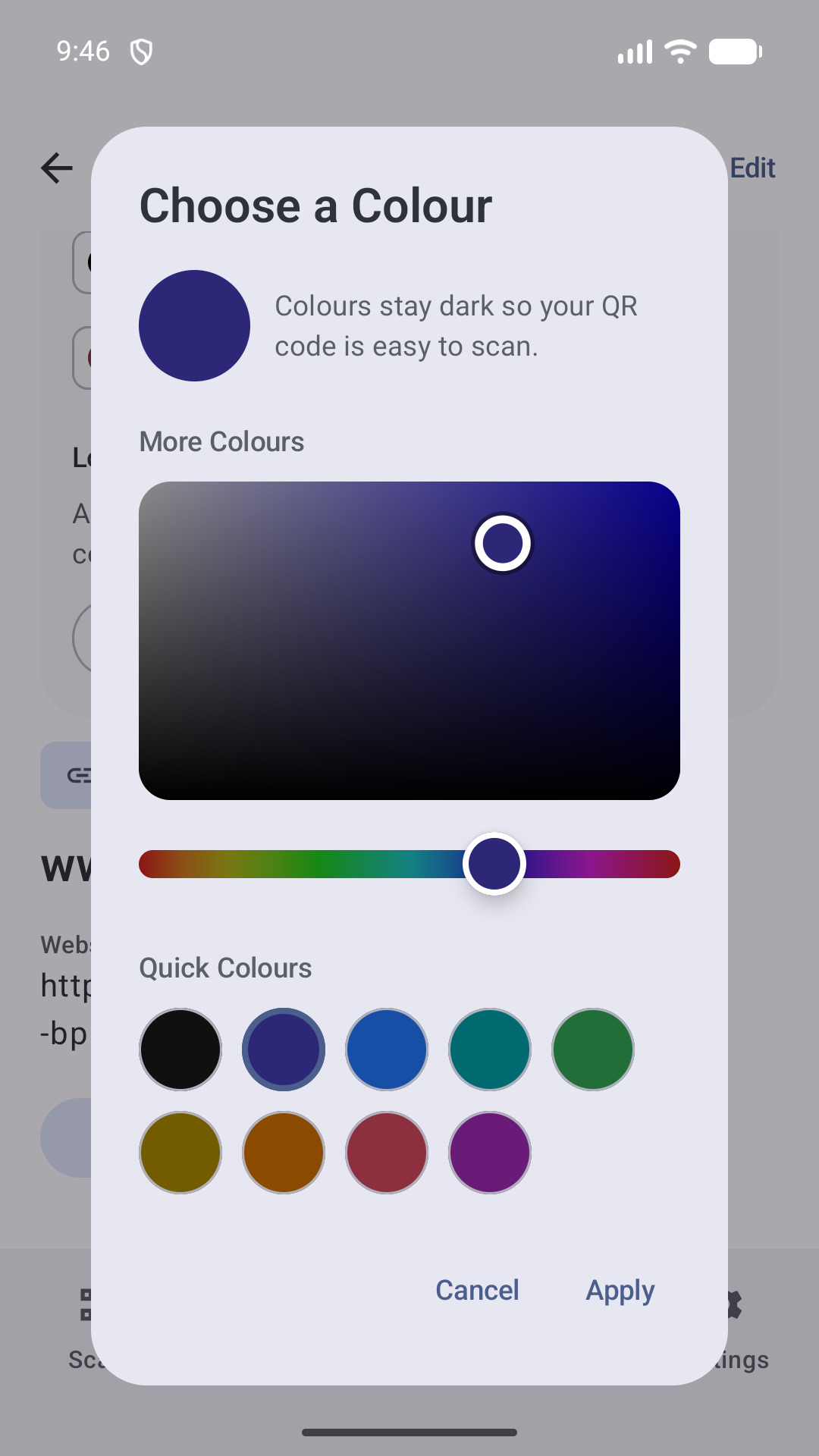
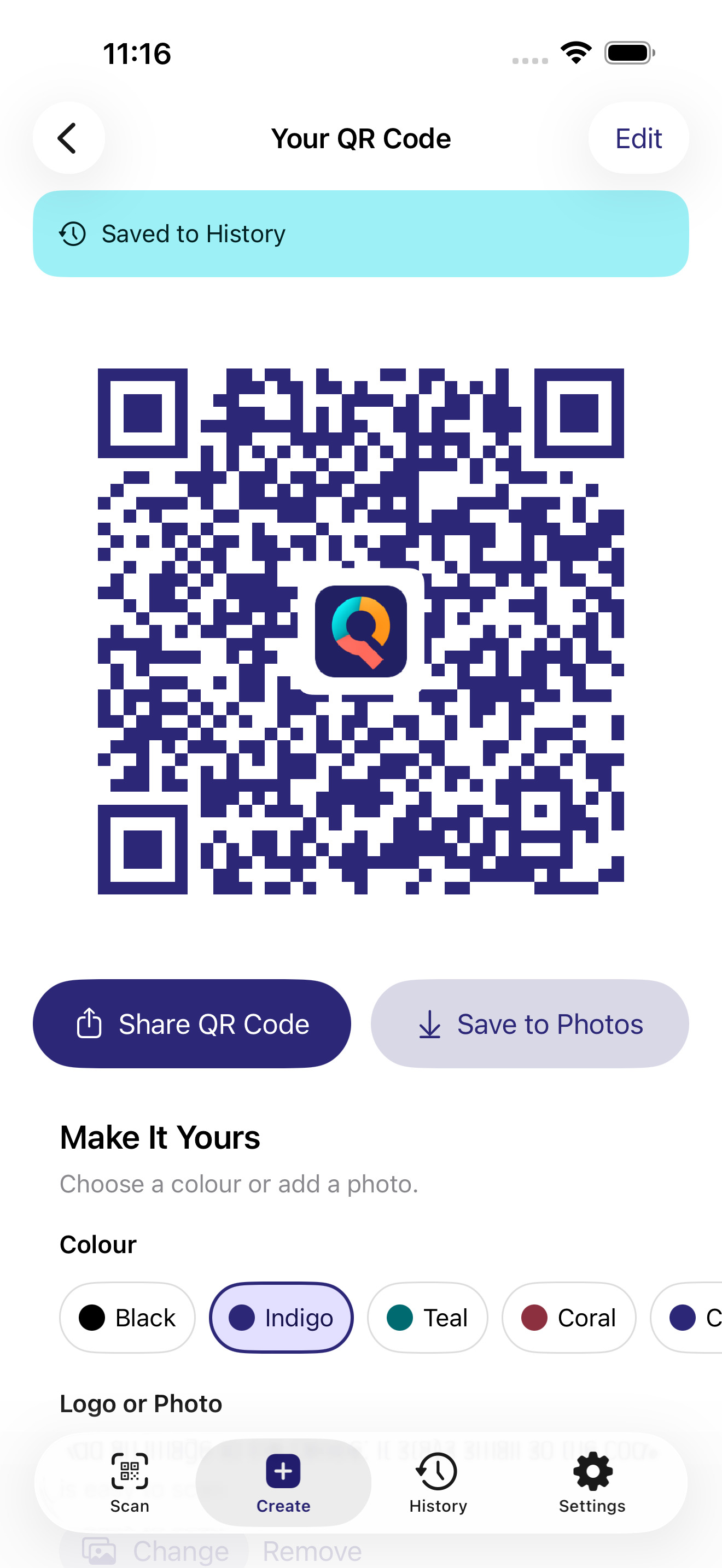
Make it yours.
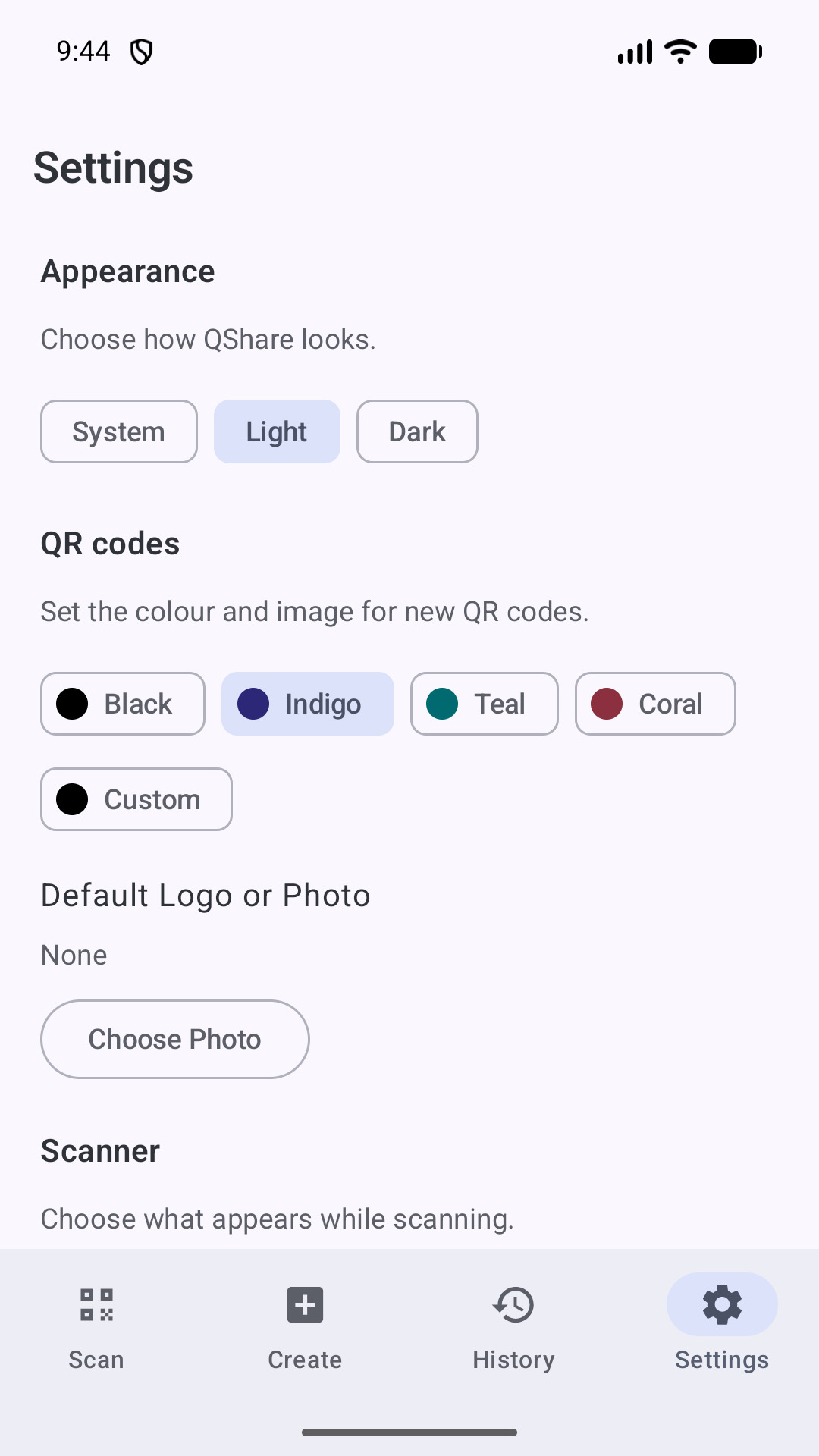
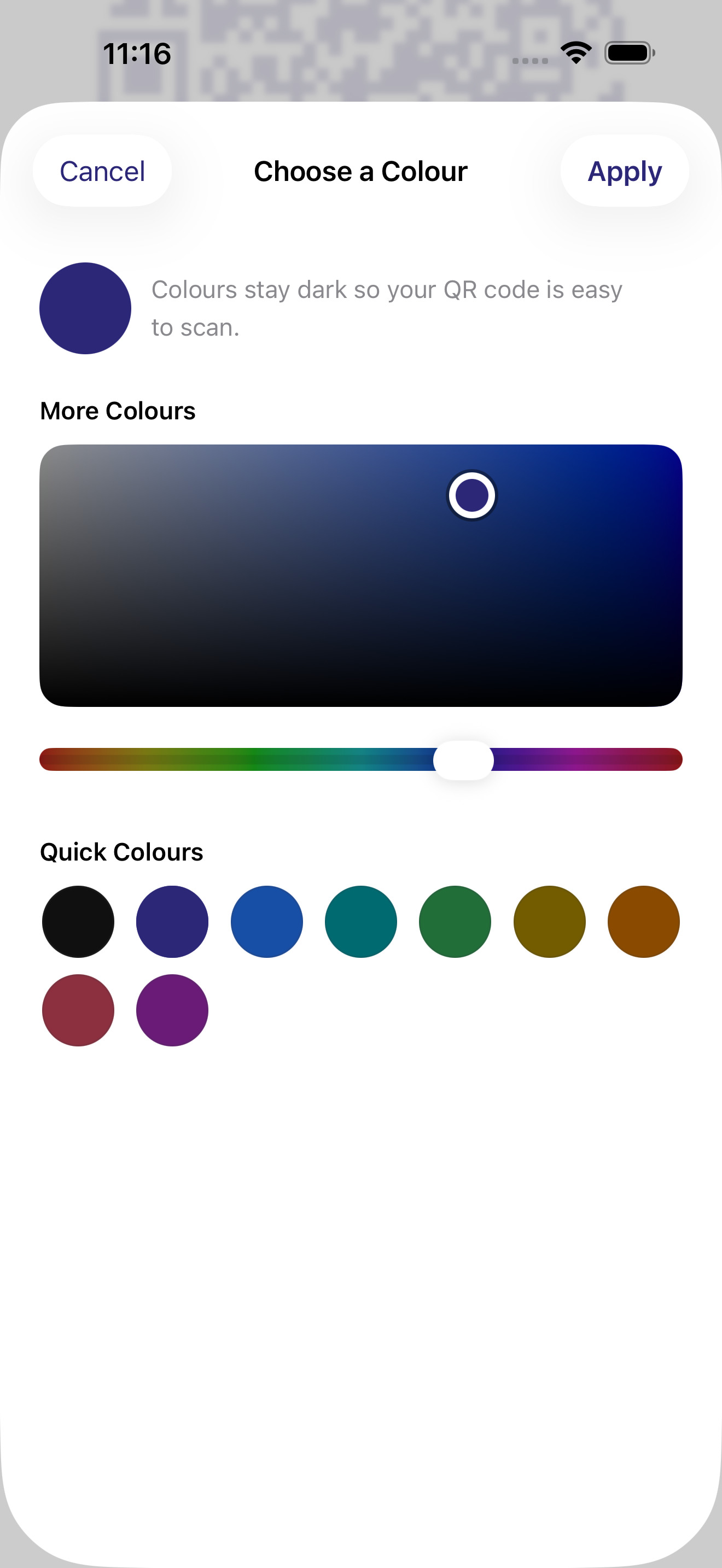
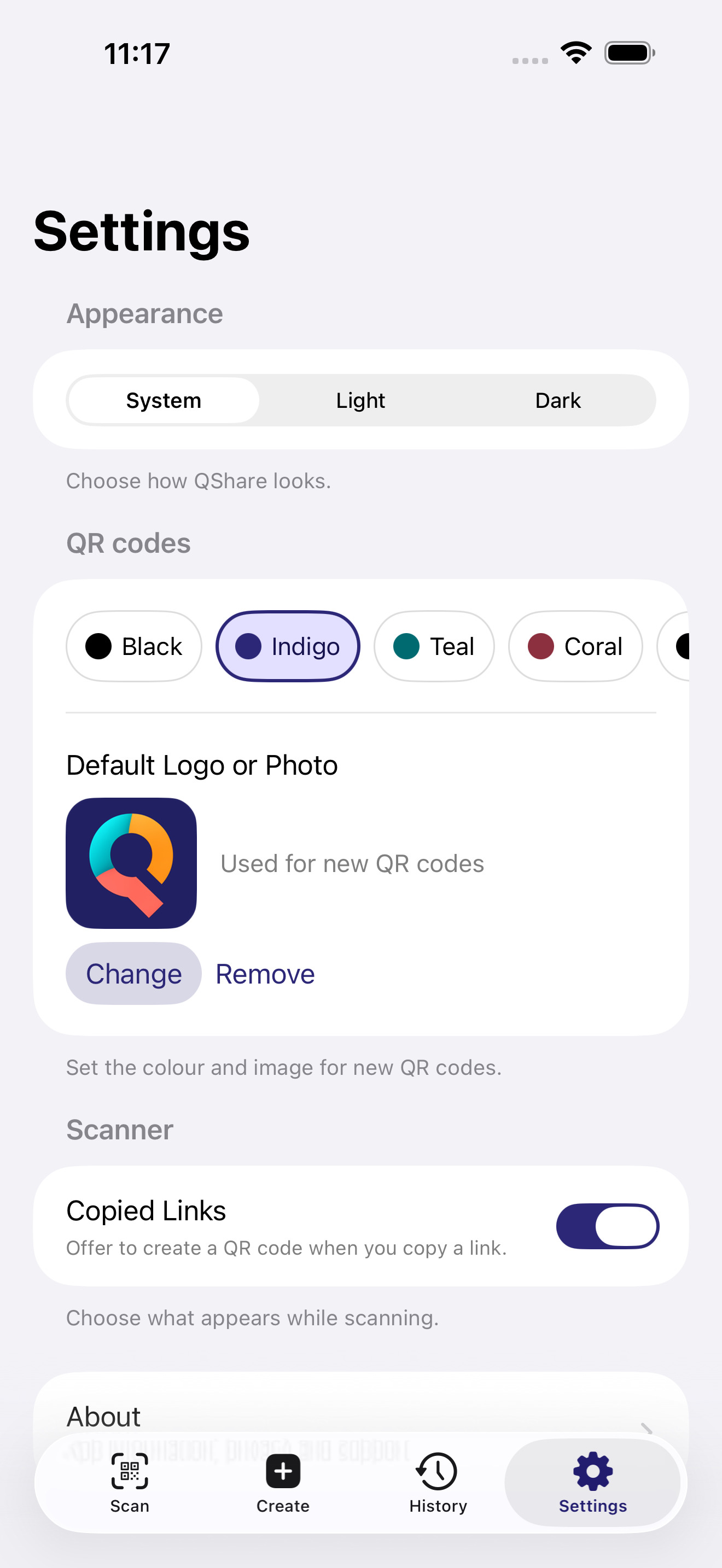
A colour. A logo in the middle. QShare checks the contrast as you customise it, so it still reads, every time.
Your code history.
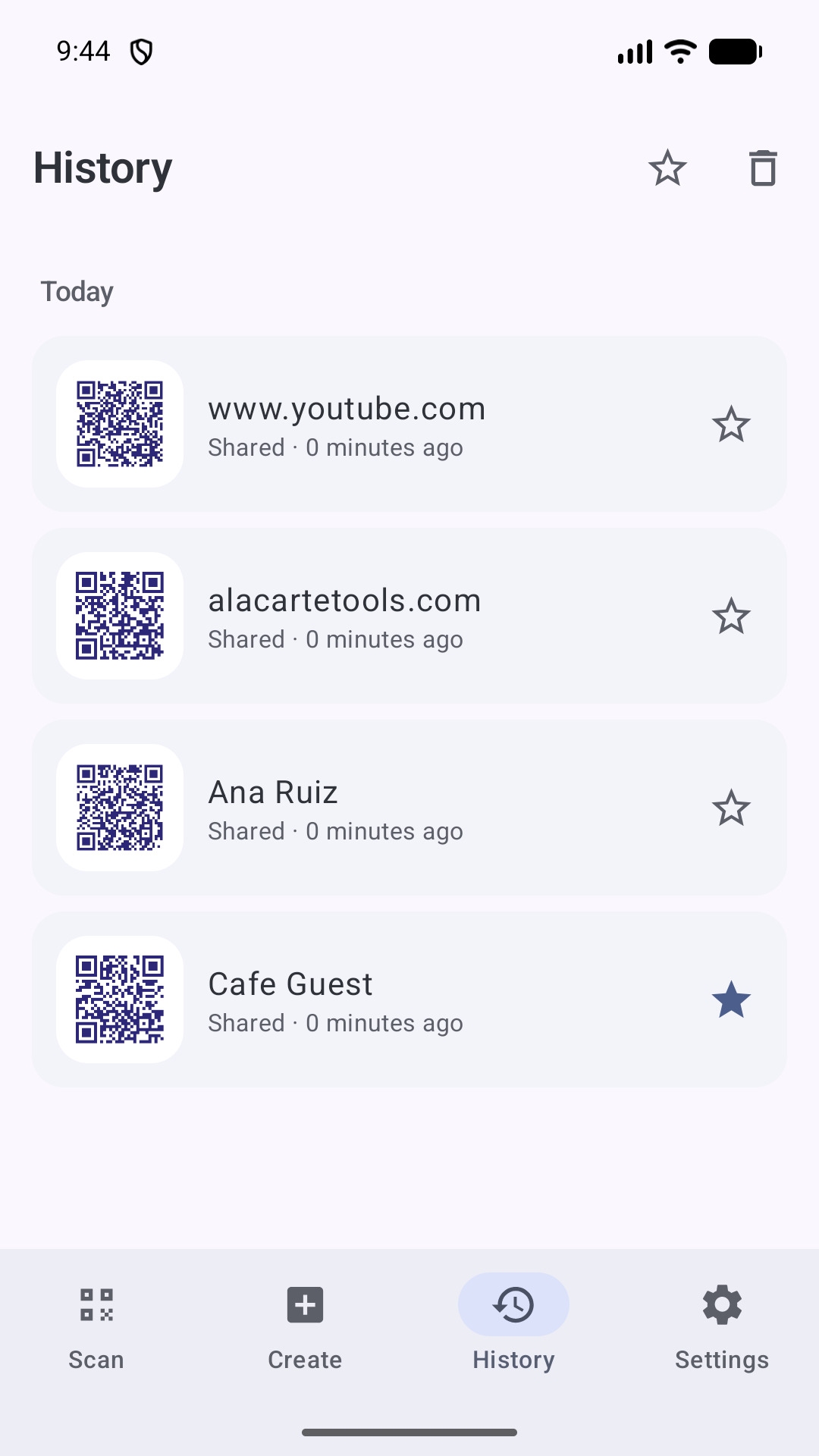
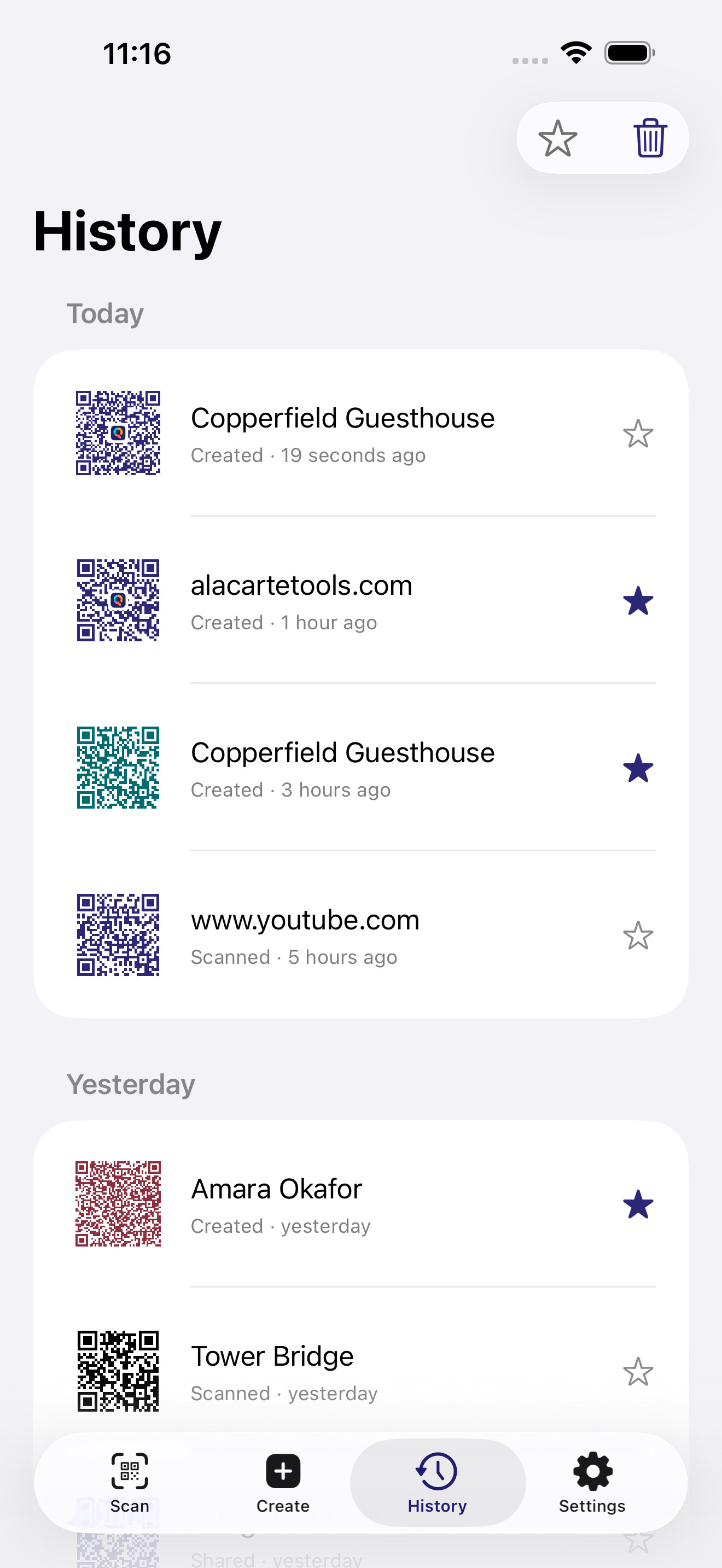
Waiting where you left it. Star what matters. Swipe away what doesn’t.
Privacy
QShare doesn’t collect your data. There’s no account, ads, analytics or server. What you scan and create is processed on your phone.
Your phone may include QShare’s data in a device backup. Anything you choose to save or send on is handled by your phone, or by the app you sent it to, under their own rules.
Read the QShare Privacy Policy
Frequently Asked Questions
Is QShare on iPhone?
It’s built and in review with Apple. The screenshots above are from it. A link will appear at the top of this page the moment it’s approved.
Does QShare collect personal data?
No. QShare works on your phone and doesn’t collect your personal data. The privacy policy has the details.
Can I scan a code from a saved image?
Yes. Choose it from your library and QShare reads it there. It can open only the image you picked.
Can I share a photo into QShare?
QShare takes links and words, not pictures. To read a code in a photo you already have, open QShare and choose it from your library.
Do I need a camera?
Only to scan codes in front of you. You can still share, create and scan a saved image without using the camera.
How do I delete my history?
Swipe away a single code, or clear the whole history at once. Uninstalling QShare removes what it kept. Device backups are handled separately by your phone or your backup provider.
How can I share feedback or report a problem?
Email support@alacartetools.com.
Google Play and the Google Play logo are trademarks of Google LLC. Apple, the Apple logo and App Store are trademarks of Apple Inc., registered in the U.S. and other countries and regions.