Commute
Track trips. Compare routes. Keep your history private.
Route tracking
Start a trip, or let Commute do it.
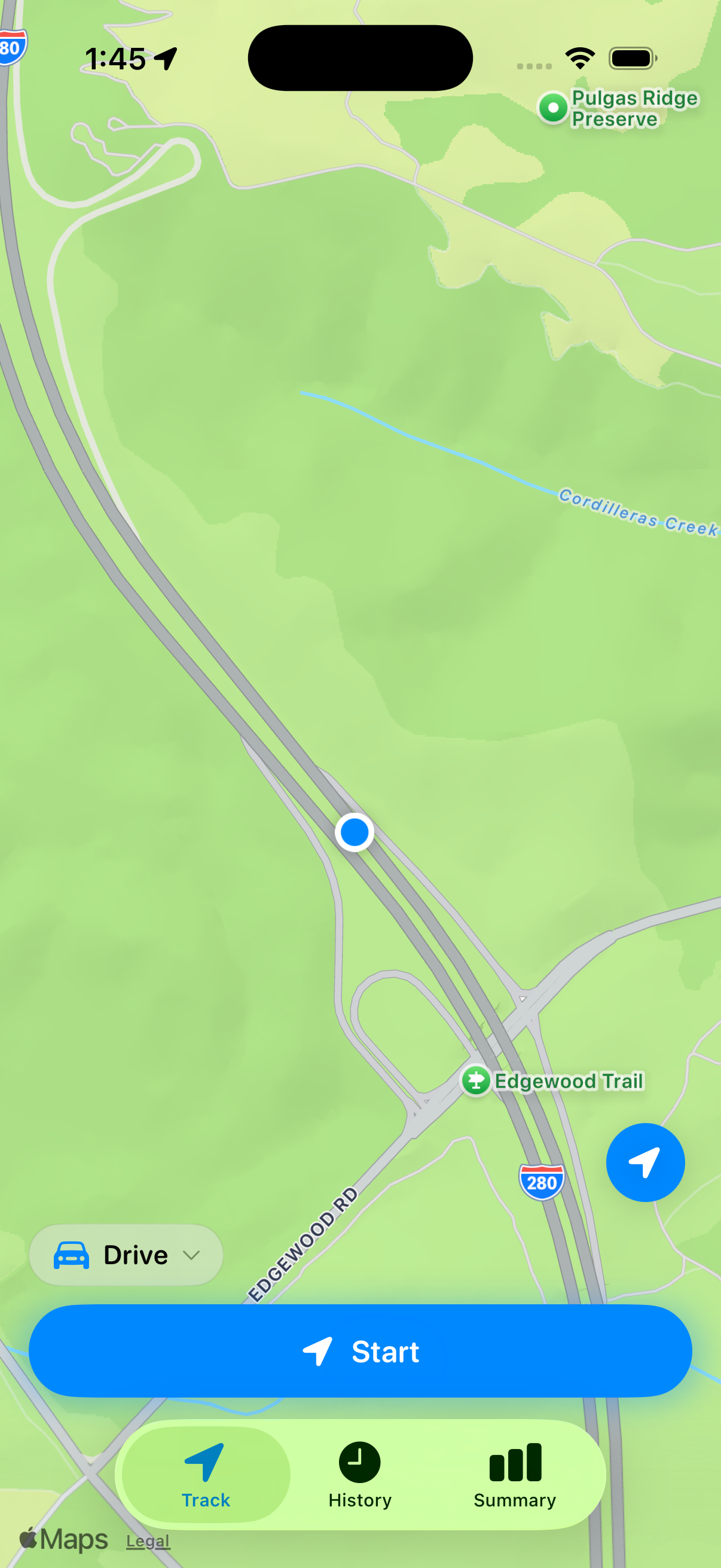
Commute can track regular routes automatically. You can also start and stop a trip yourself. While a trip is active, it records the route, distance and duration in the background.
Trip context
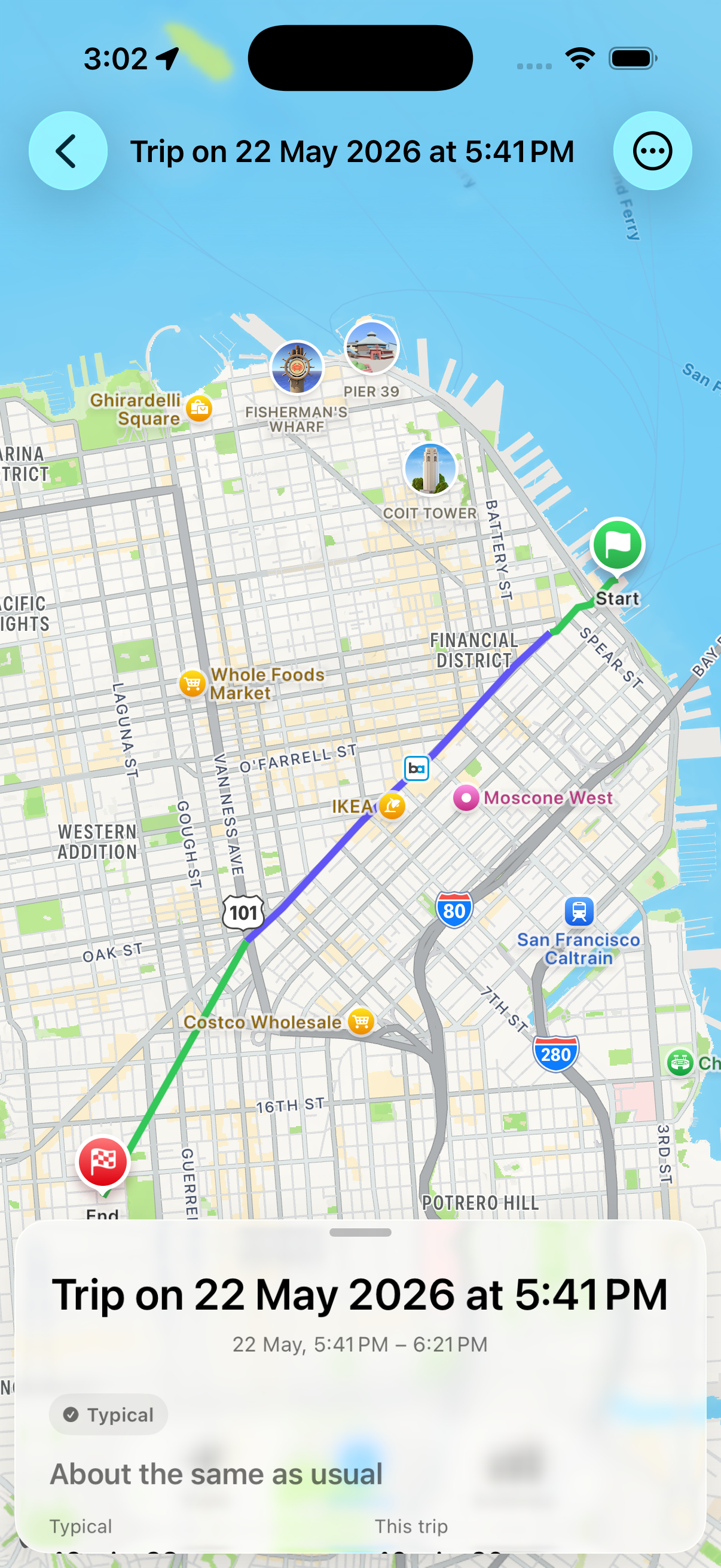
Compare each trip.
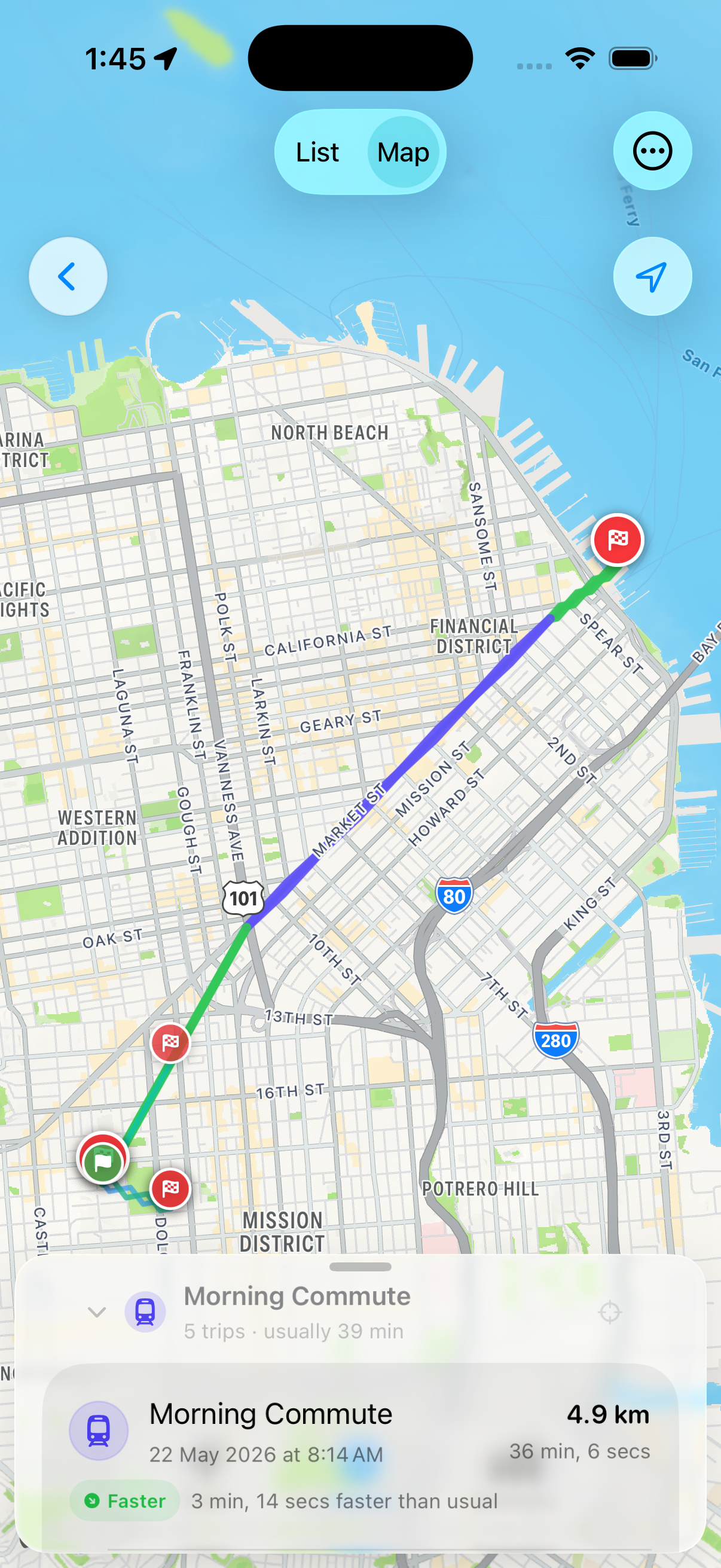
See how a completed trip compares with previous trips on the same route. Commute shows whether it was faster, typical or slower than usual.
History
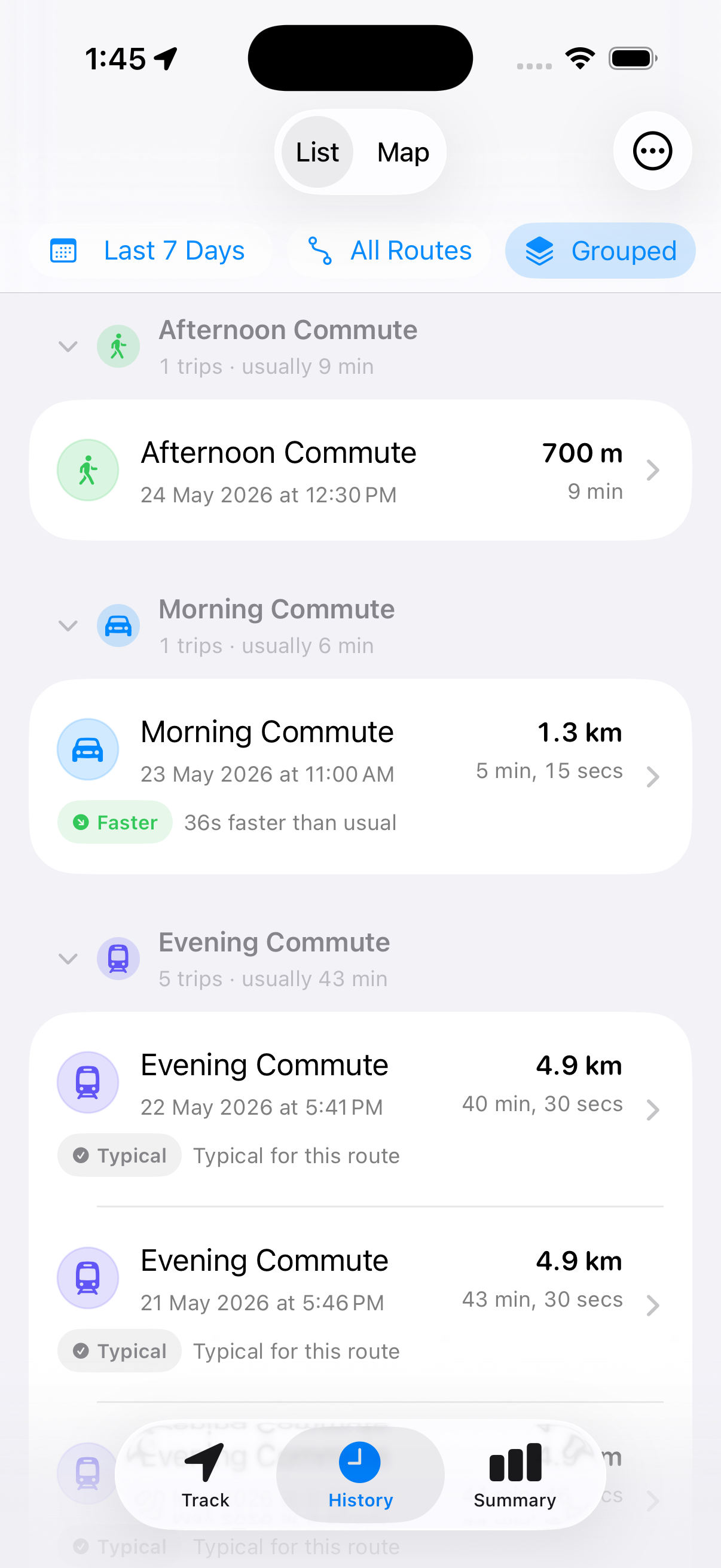
Your trips, together.
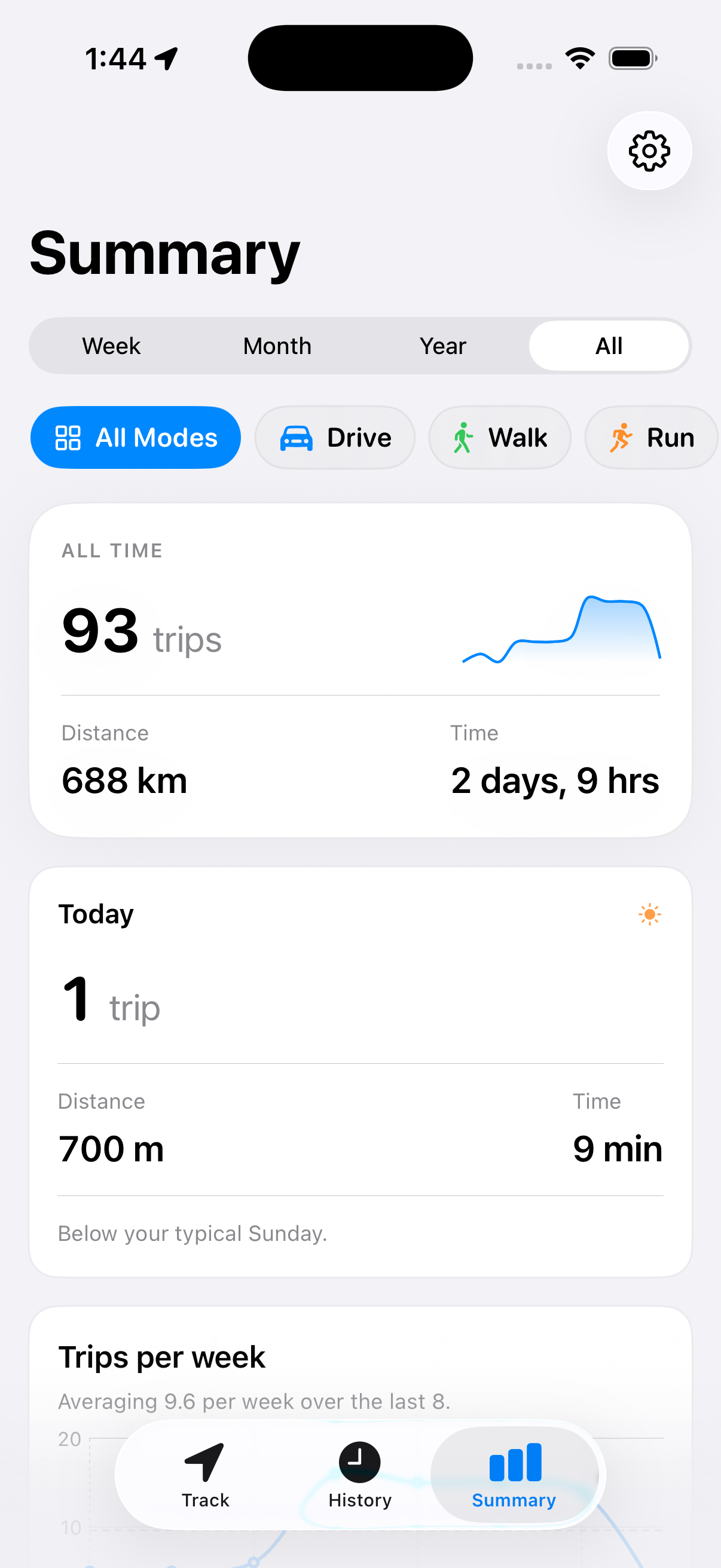
History includes automatically tracked trips and trips you start yourself. Browse them by route and date, review them on a map and see totals over time.
Preferences
Choose how you travel.
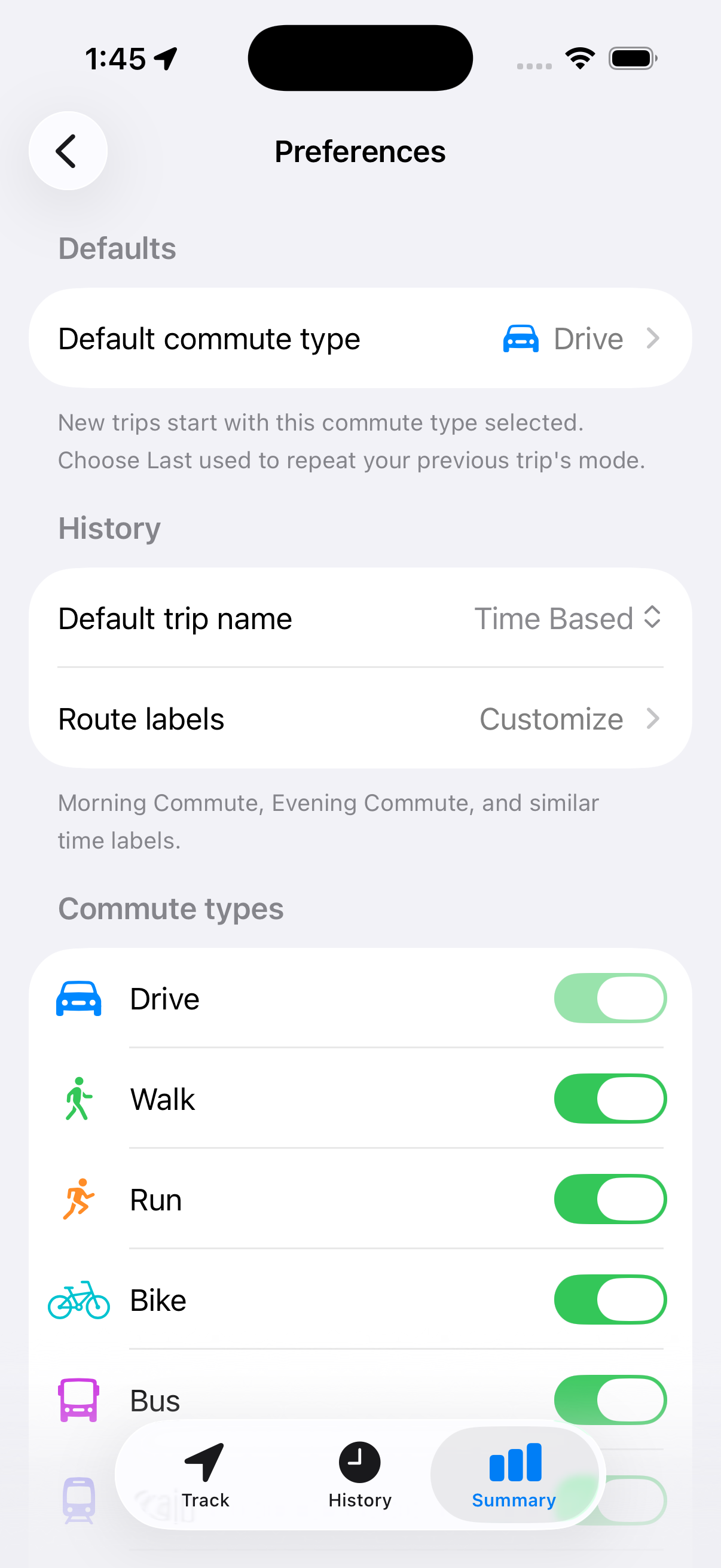
Track driving, walking, running, cycling and bus trips. Enable only the travel modes you use.
Privacy
Your trips stay private.
Commute records location only while a trip is active. Trip data stays on your device and, when enabled, in your private iCloud database.
- No account required
- No ads or analytics SDKs
- No external servers storing your trips
- Private iCloud sync when enabled
FAQ
Frequently Asked Questions
Do I need an account?
No. Commute does not require an account.
When does Commute use my location?
Only while a trip is active. Background location keeps recording when your phone is locked or the app is in the background.
Where is my trip history stored?
On your device and, when enabled, in your private iCloud database. There is no separate server for your trips.
When will Commute be available?
Commute is coming soon for iOS.
Commute is coming soon for iOS.